
Interactive tour · about 3 minutes
See FitnessFlowHub in action
Press play for the guided version, or tap the glowing dots on each screen to explore at your own pace. Every screen is the real app.
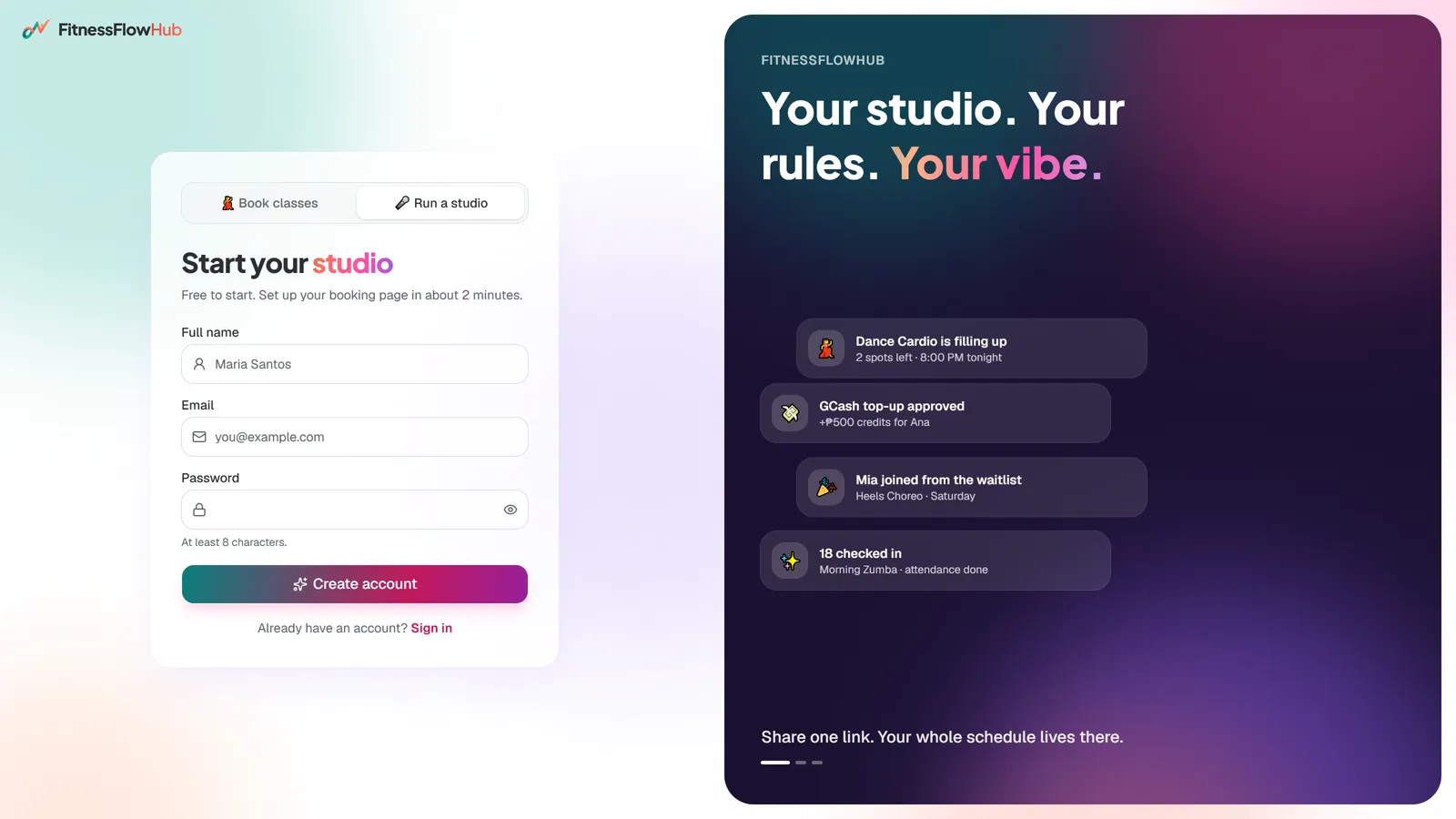
For instructors · Step 1 of 7
Create your studio in 2 minutes
“Tap Create your studio, and choose Run a studio. Step one: name your studio and claim your booking link. Step two: pick your style and brand colour. Step three: add your GCash details. Hit Create my studio, and you're live in about two minutes.”
How to do it
- 1Tap “Create your studio, free” on the home page.
- 2Choose “🎤 Run a studio”, enter your name, email and a password.
- 3Confirm your email, then follow the 3-step wizard: name & link → style & colour → GCash.
- 4Tap “Create my studio”. Your booking page is live.
Try it yourself: Create your studio
Keyboard: ← → to move, space to play/pause
The 30-second version
Short on time? Here's everything in half a minute. Sound on, or read the captions.